Choosing a label maker: tape system, width and tape type
A label maker works only with tape from its own system. This is how to choose the system, the width and the kind of tape, and whether you type on the printer or through an app.

Popular picks from this guide
Popular products at today's lowest price. Compare every shop on the product page.
Short answer: You really choose a label maker by its tape. Each printer works only with tape from its own system and up to a certain width. So decide first what you want to label and how wide the label must be, then whether you type on the printer itself or through an app on your phone.
Klakko doesn't test label makers itself. What follows comes from Brother's and DYMO's product names and data in our catalogue. Which tape fits your printer is always in its manual.
Tape first: which system
Label makers for home and office use cassettes or rolls that fit only printers of the same system:
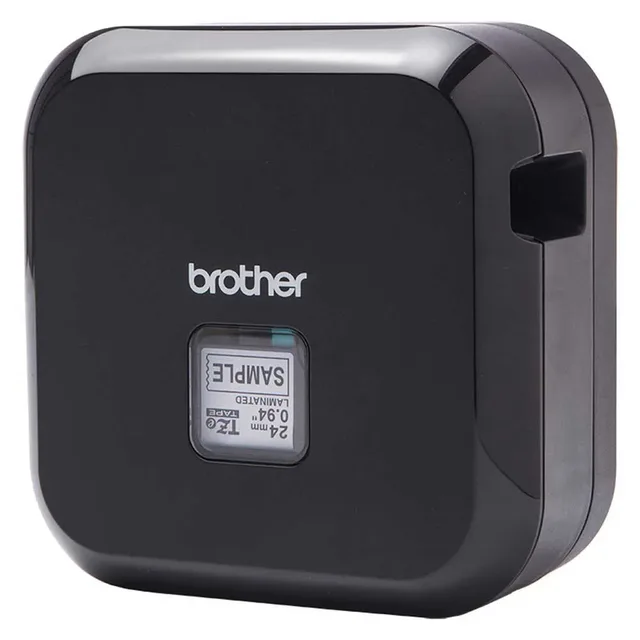
- Brother TZe: the tape for P-touch printers. The name of the Brother P-touch CUBE Plus P710BT lists TZe tape from 3.5 to 24 mm.
- Brother Btag: a simpler system for the PT-N printers, such as the Brother P-touch PT-N10, with 12 mm Btag tape.
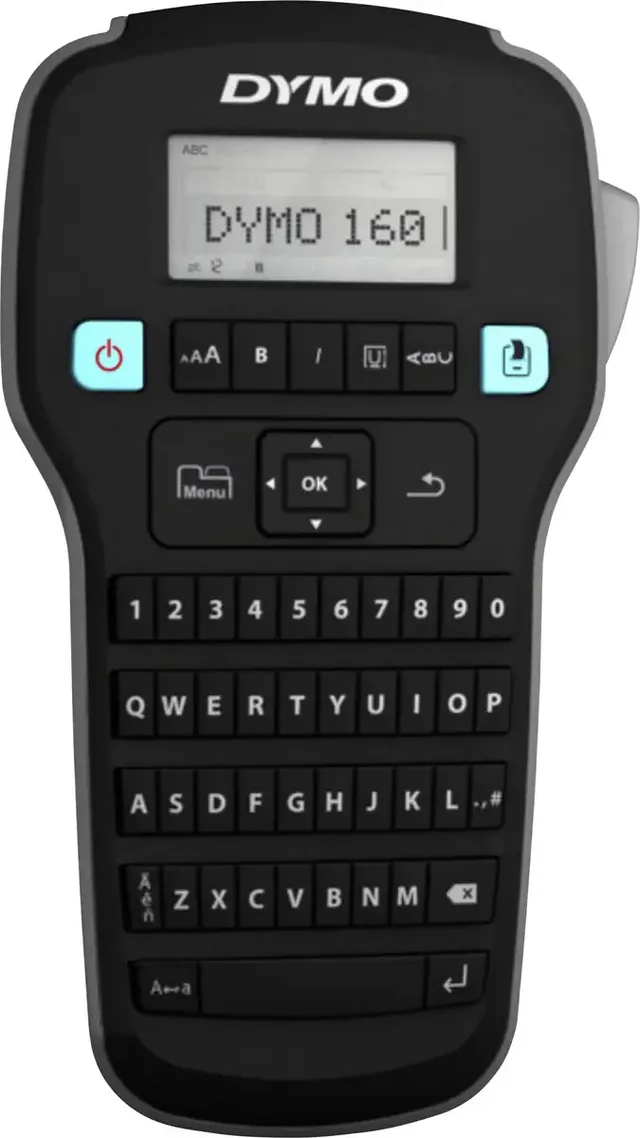
- DYMO D1: the tape for LabelManager printers, such as the DYMO LabelManager 160.
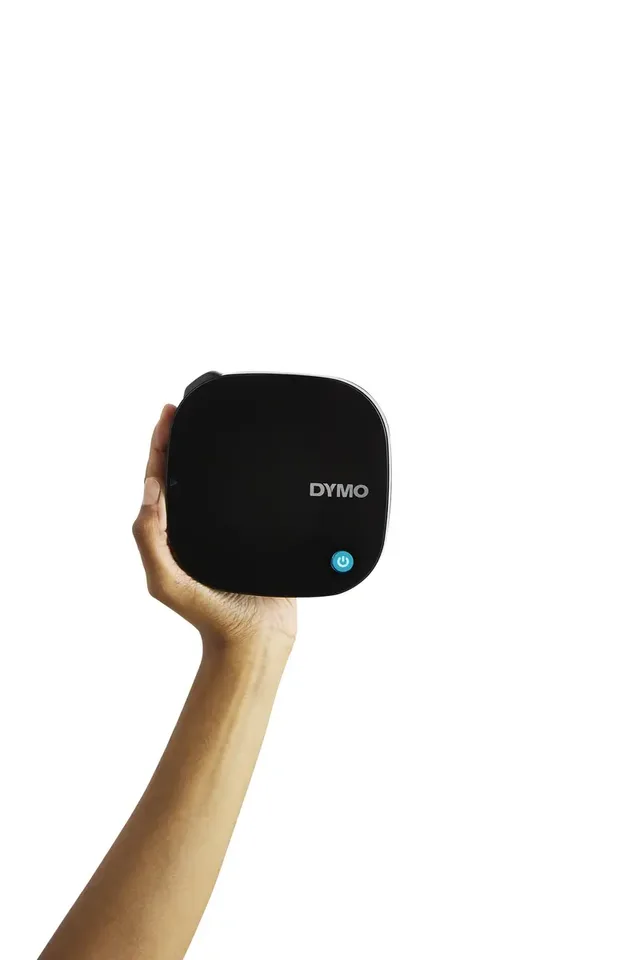
- DYMO LetraTag: narrow 12 mm tape for LetraTag printers, such as the DYMO LetraTag 200B.
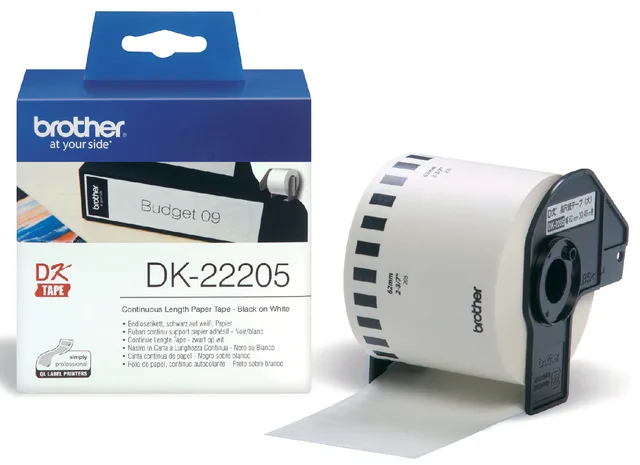
- Brother DK: rolls of die-cut labels or continuous paper for the QL printers that connect to a computer, such as the Brother QL-800.
TZe tape doesn't fit a DYMO and D1 tape doesn't fit a Brother. If you already have a stock of tape, choose a printer of the same system.
Label makers from different systems
- Brother
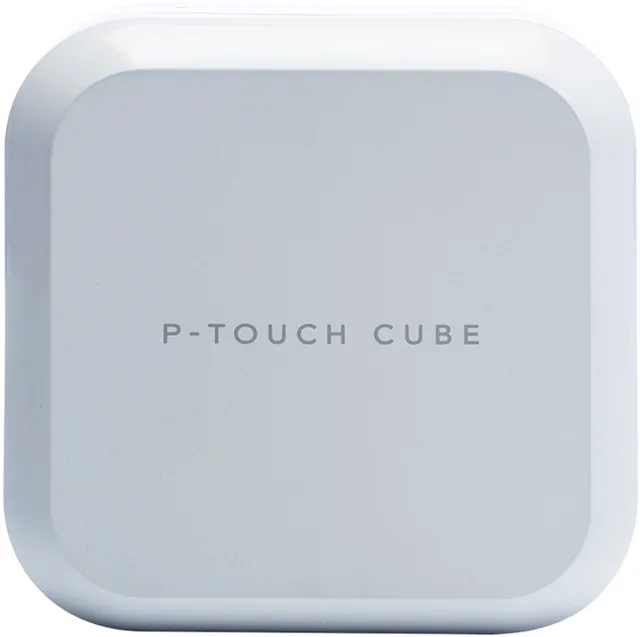
P-touch CUBE Plus P710BT Labelmaker Geschikt voor labels: TZe 3.5 mm, 6 mm, 9 mm, 12 mm, 18 mm
24 mmFrom €107.54 · at 4 shops
Lowest in 26 days
- DYMO
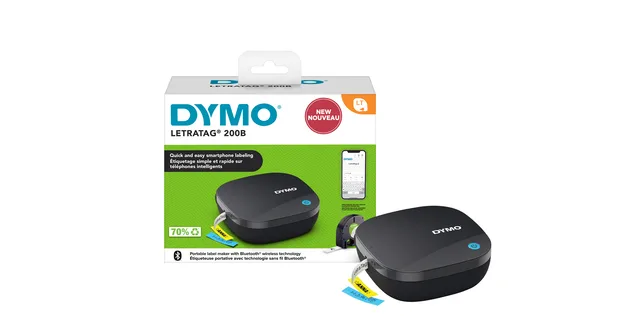
Labelprinter Dymo LetraTag 200B draagbaar bluetooth
12mm zwartFrom €23.50 · at 8 shops
Lowest in 26 days
- DYMO
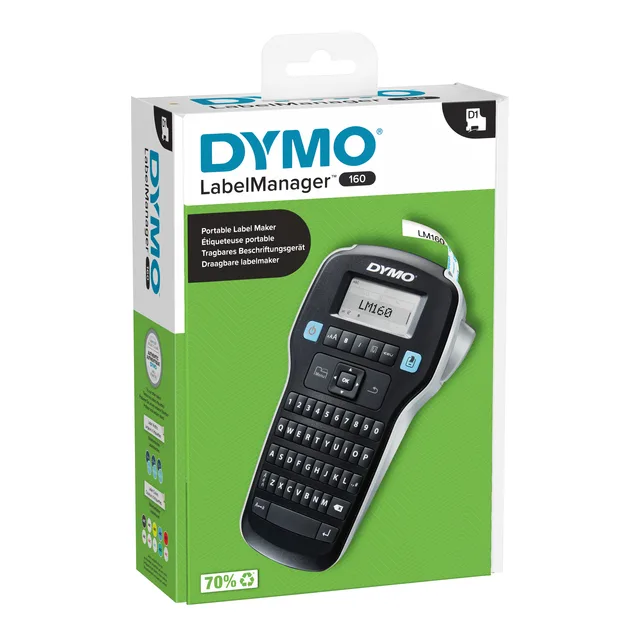
Labelprinter Dymo LabelManager 160 draagbaar qwerty
12mm zwartFrom €44.89 · at 5 shops
Lowest in 26 days
- Brother
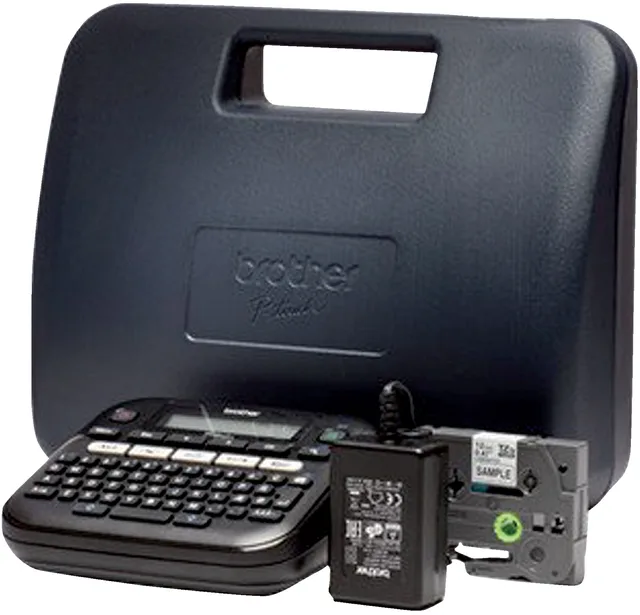
Labelprinter Brother P-touch TZe PT-D210 desktop qwerty
12mm zwart in kofferFrom €51 · at 5 shops
- Brother
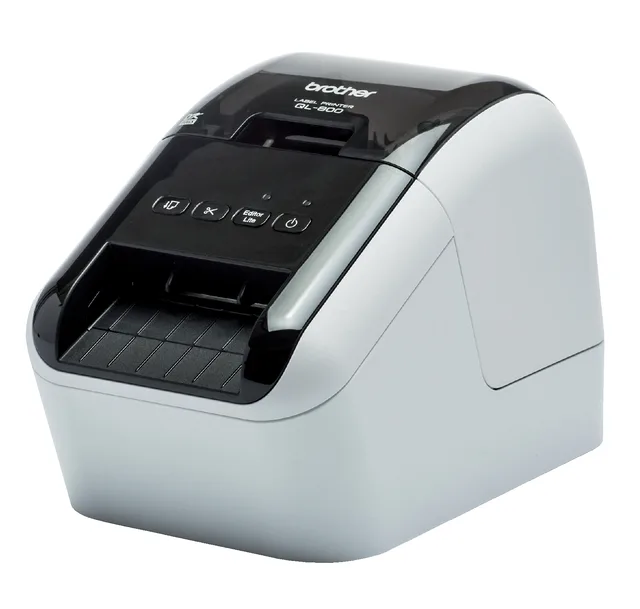
Labelprinter Brother QL-800
From €79.99 · at 5 shops
Lowest in 26 days
How wide should the label be?
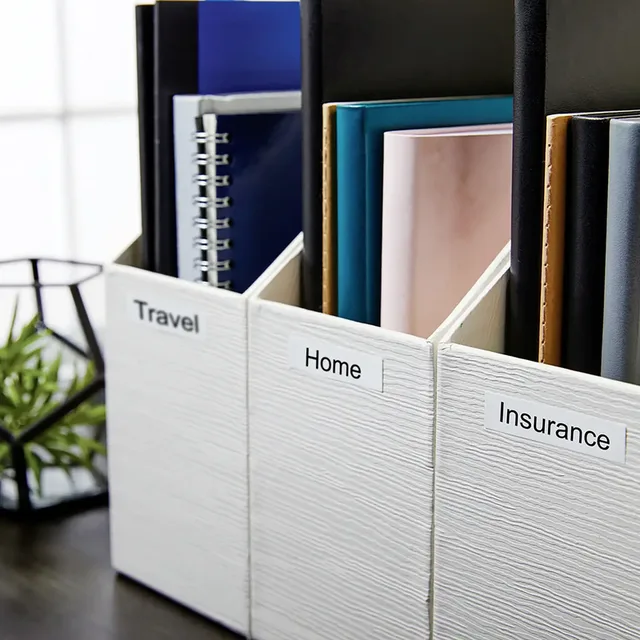
The maximum tape width is often in the printer's name, and otherwise in the product data. A narrow 12 mm tape is enough for binder spines, drawers and plugs. For larger letters or two lines of text, you need 18 or 24 mm. The DYMO LabelManager Executive 640CB and the Brother P-touch CUBE Plus print up to 24 mm, the Brother P-touch Cube Pro PT-P910BT up to 36 mm.
A printer can usually use narrower tape of its system as well; the manual lists which widths fit. The Brother PT-H110 and the Brother PT-D210 print up to 12 mm.
Which kind of tape
Within a system there are different kinds of tape. The kind is in the name:
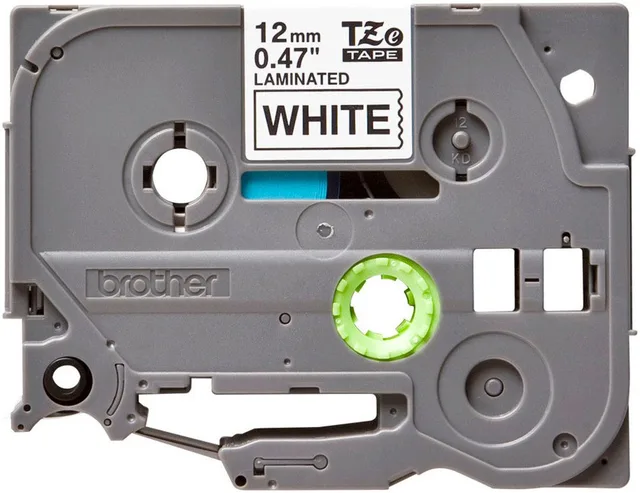
- Standard: ordinary tape for indoors, such as the Brother TZe-231 (black on white, 12 mm) and the TZe-241 (18 mm). Standard TZe tape is laminated: the text sits under a clear layer.
- Extra strength adhesive: for rough or curved surfaces, such as the TZe-S231.
- Flexible: for labelling cables, such as the TZe-FX621 or the DYMO D1 nylon.
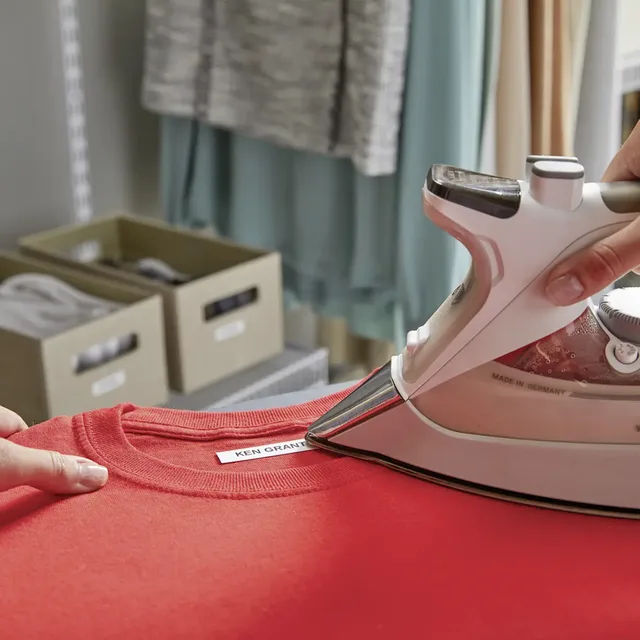
- Iron-on: for clothes, such as the Brother TZe-FA3 fabric tape and the DYMO LetraTag iron-on.
- Paper and plastic: for LetraTag there is paper tape for temporary labels and plastic tape.
All label makers and tapes are under desk accessories.
Tape for indoors, cables and clothes
- Brother
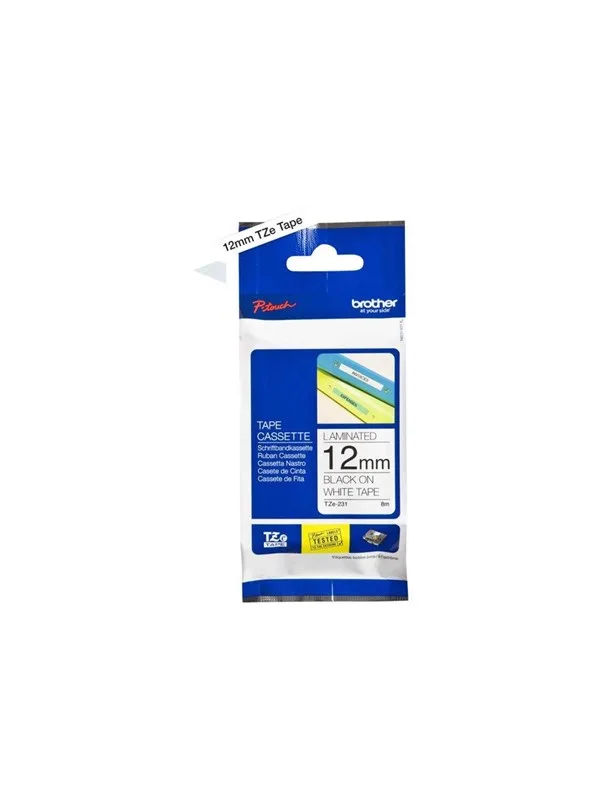
TZE231 / TZe 231 labelling tape cassette, black on white
12mm wideFrom €16.98 · at 8 shops
- Brother
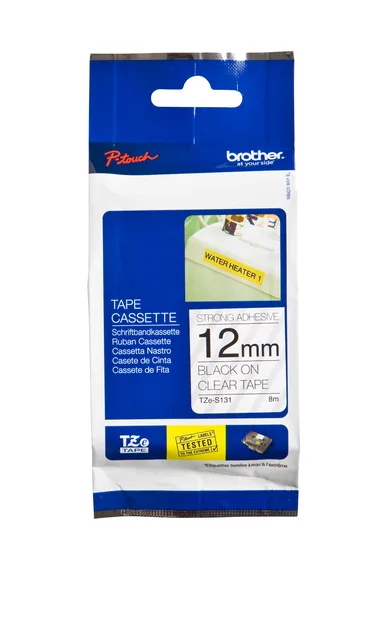
Label tape Brother P-touch TZe-S231 extra strong adhesive
12mm black on whiteFrom €23.80 · at 7 shops
- Brother
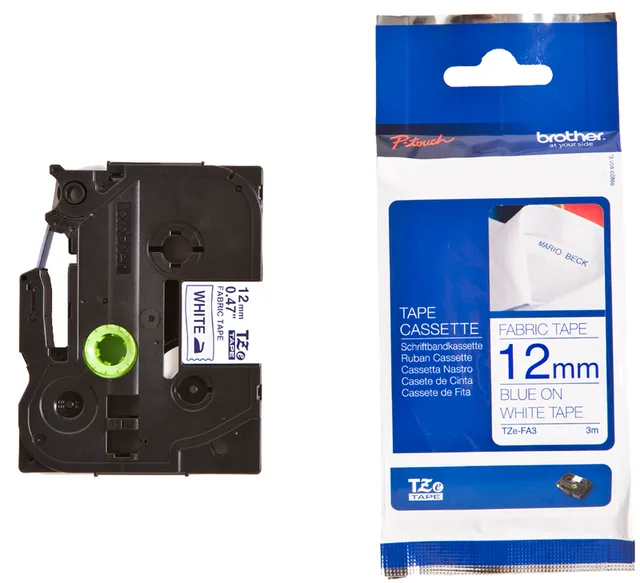
TZe-Tape TZe-FA3 Textilband zum Aufbügeln
From €20.58 · at 4 shops
- DYMO
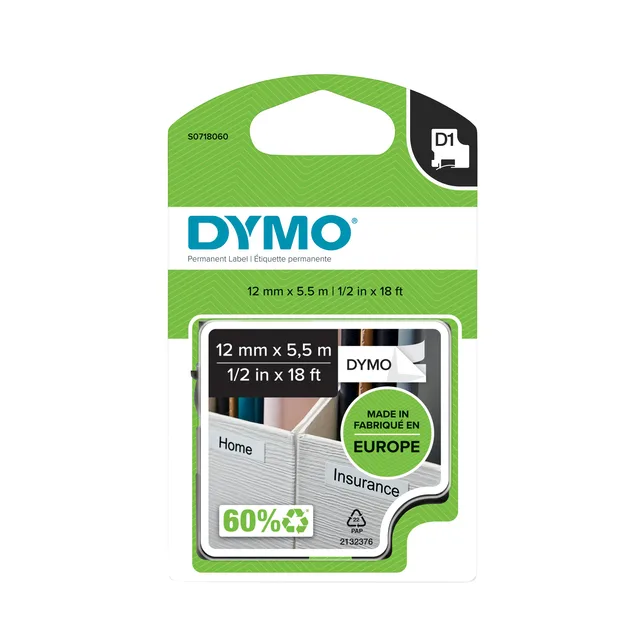
Labeltape Dymo LabelManager D1 polyester 12mmx5.5m zwart op wit
From €22 · at 7 shops
- DYMO
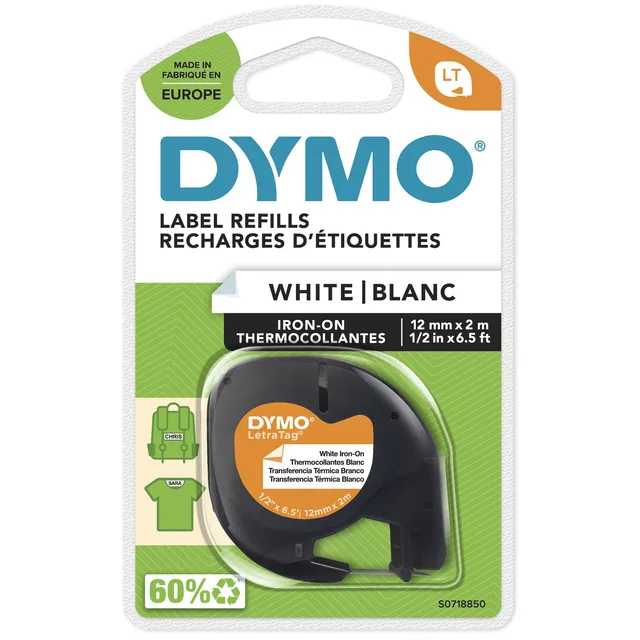
Labeltape Dymo LetraTag strijkbaar
12mm zwart op witFrom €12.78 · at 9 shops
Typing on the printer or through an app
There are two ways to make a label:
- With keyboard and screen: you type the text on the printer itself. That works without a phone or computer. Examples are the DYMO LabelManager 160, the Brother PT-H110 and the Brother PT-E110VP. "Qwerty" in the name means a keyboard like a computer's.
- Through an app: the printer has no keyboard and gets the text from your phone over Bluetooth. That goes for the DYMO LetraTag 200B and the Brother CUBE printers. In the app you choose fonts, symbols and sometimes QR codes.
Some printers do both, such as the Brother PT-D460BTVP, which has a keyboard and also works over Bluetooth.
Address and shipping labels
If you mainly print addresses or shipping labels, a printer with DK rolls suits better. The Brother QL-700 and the QL-800 connect to your computer and print on rolls 62 mm wide. They print thermally, so without ink or ribbon: the roll itself changes colour with heat.
Frequently asked questions
Does Brother tape fit a DYMO?
No. Brother TZe tape fits only Brother P-touch printers for TZe, and DYMO D1 tape only DYMO LabelManager printers. Check your printer's manual for the tape it uses.
Which tape width do I need?
For drawers, cables and binders, 12 mm is usually enough. For large letters or two lines, choose 18 or 24 mm. The maximum width is often in the printer's name, and always in its manual.
Can I label clothes with a label maker?
Yes, with iron-on tape such as Brother's TZe-FA3 fabric tape or DYMO's LetraTag iron-on tape. Follow the maker's ironing instructions.
Do I need an app for a label maker?
Only for printers without a keyboard, such as the DYMO LetraTag 200B and the Brother CUBE printers. Printers with a qwerty keyboard work without a phone, and the QL printers for address labels run from your computer.
Keep looking
Klakko doesn’t test products itself. This guide sets out what manufacturers state.
Products from this guide
Popular products with a current price at the shops. Compare the prices on the product page.
- Brother
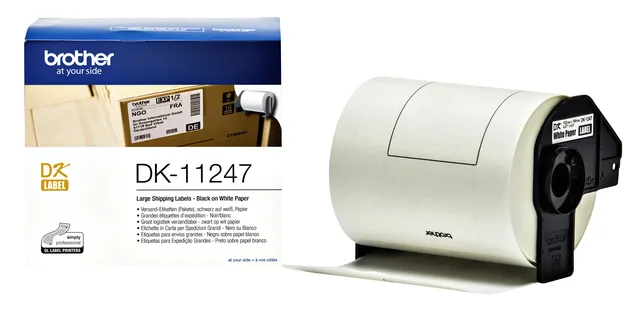
Label Brother DK-11247 large shipping label
103x164mm, 1 roll of 180 pieces, whiteFrom €24.58 · at 7 shops
Lowest in 26 days
- Brother
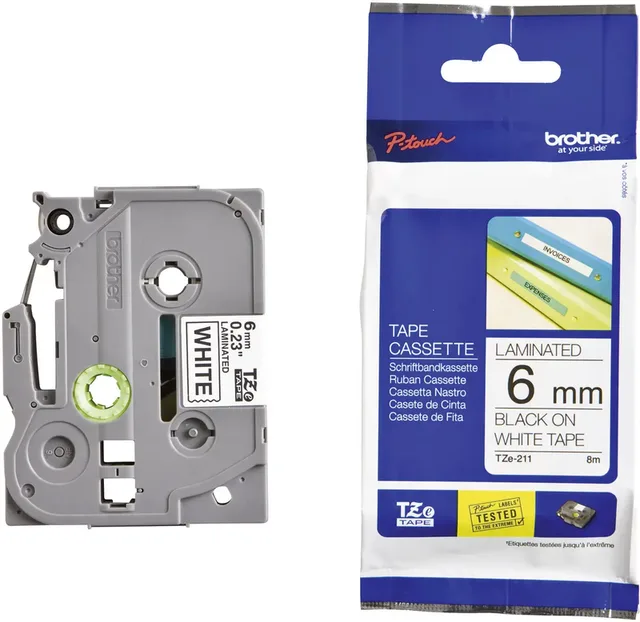
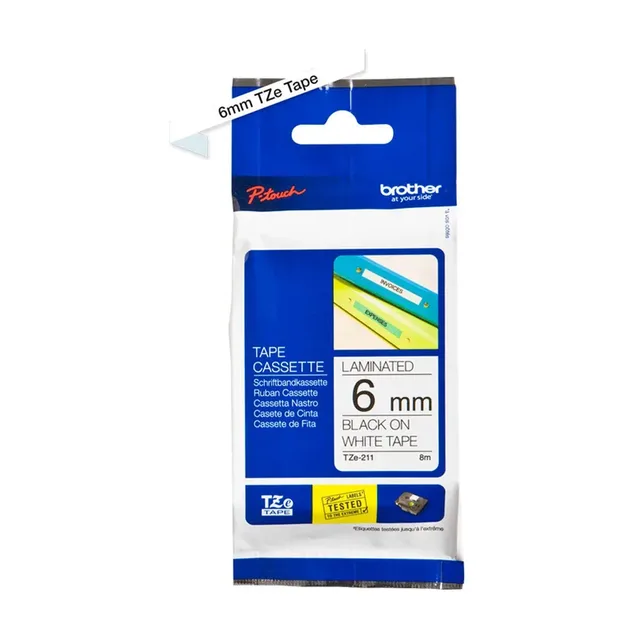
TZe TZe-211 PET labels, tape colour white, text colour black, 6 mm
8 mFrom €13.89 · at 8 shops
Lowest in 26 days
- Brother
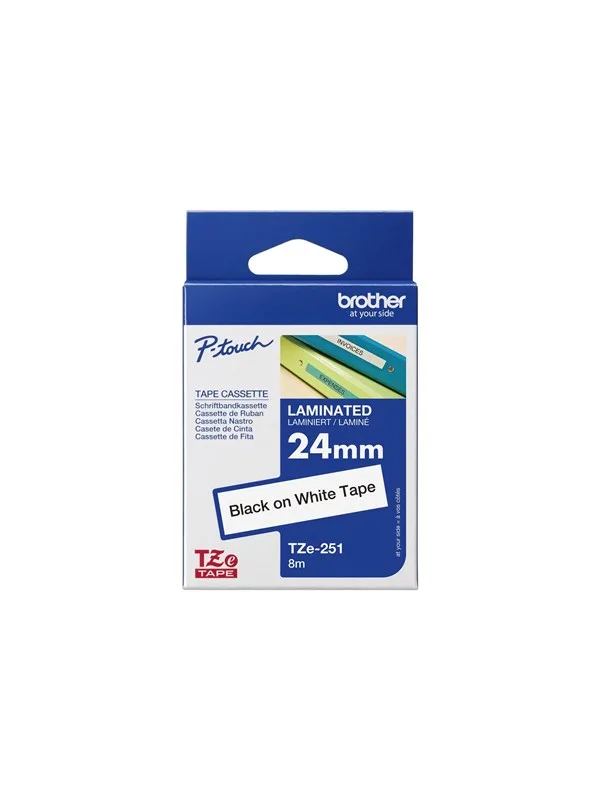
TZe251 tape cassette
24mm x 8mFrom €20.89 · at 8 shops
Lowest in 26 days
- DYMO
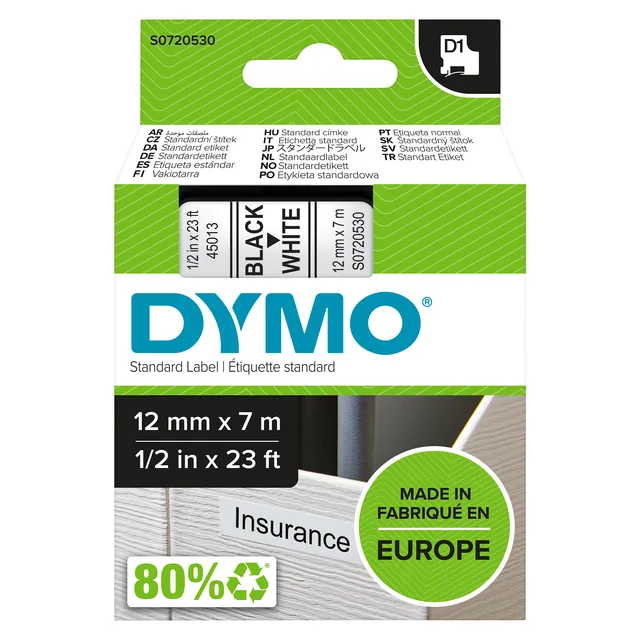
LabelManager D1 label tape, polyester, 12mmx7m, black on white
From €18.30 · at 10 shops
- Brother
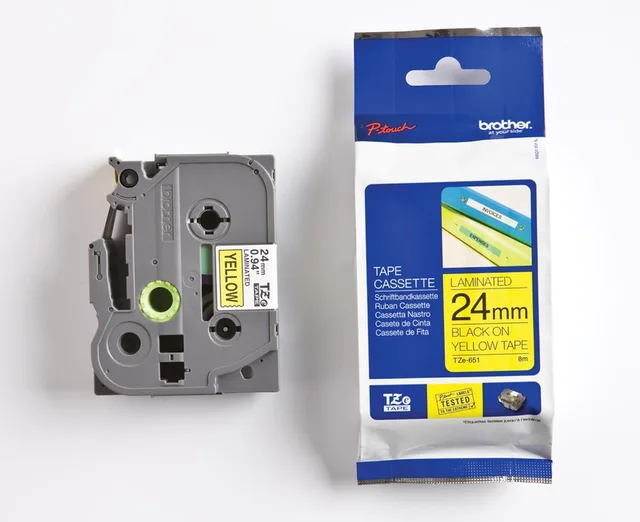
Laminated Tape for Labelling Machines Brother TZE651 Yellow/Black
24 mm x 8 mFrom €16.88 · at 7 shops
Lowest in 26 days
More buying guides
- Choosing a 2027 diary: week or day, size and school year A week on two pages, a day per page or a month overview: this is how to choose the layout, the size and the year of your 2027 diary. Read the guide
- A first fountain pen: nib, cartridges or converter Which nib, which cartridges and when you need a converter: what a beginner should know before buying a fountain pen, from school pens to pocket pens. Read the guide